Free in your first list
Your trip turns into a list
The guided assistant asks about lodging, activities, dates, destination and travel companions. Out of that come categories, items and quantities that follow the number of people and nights.
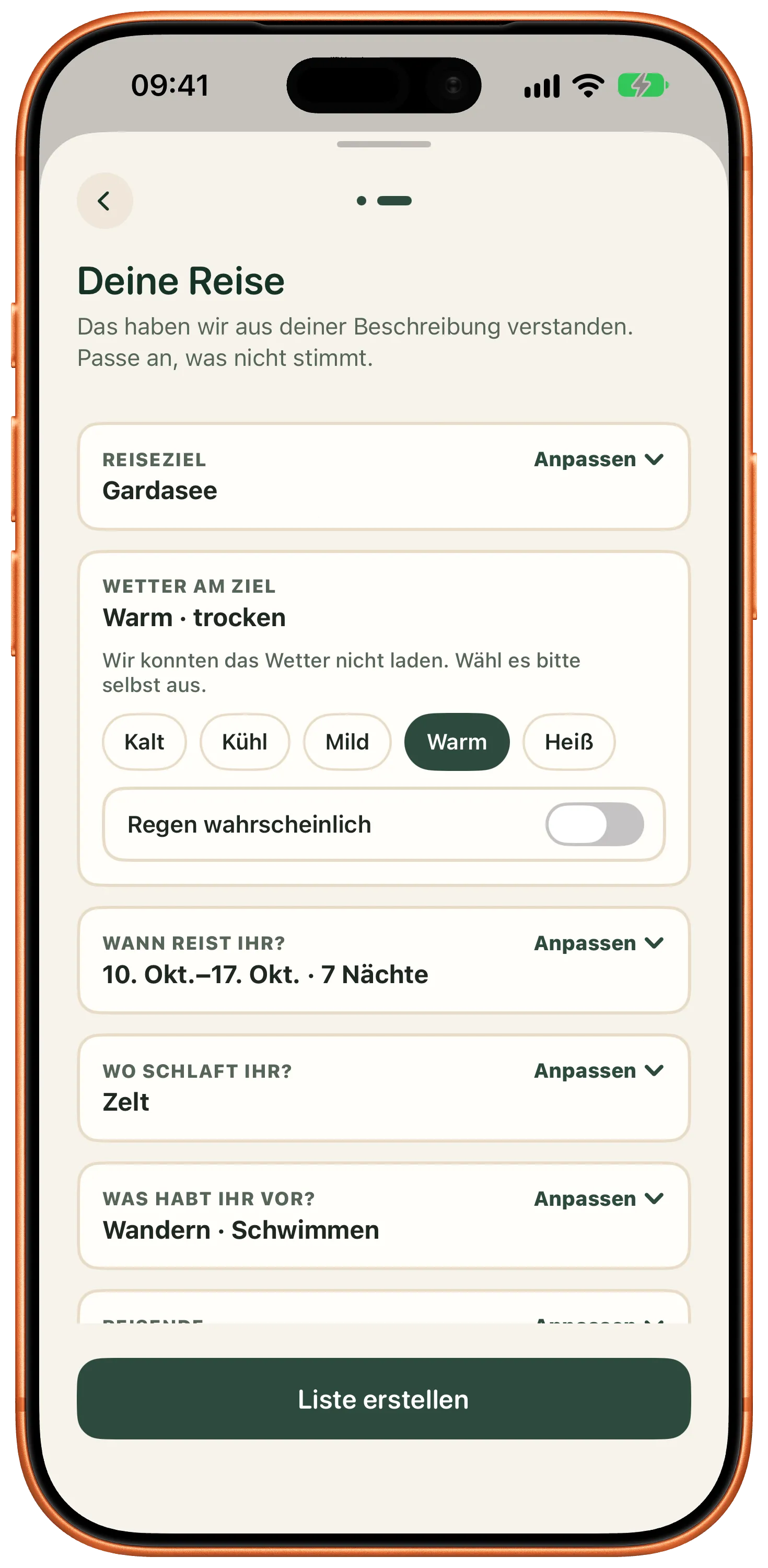
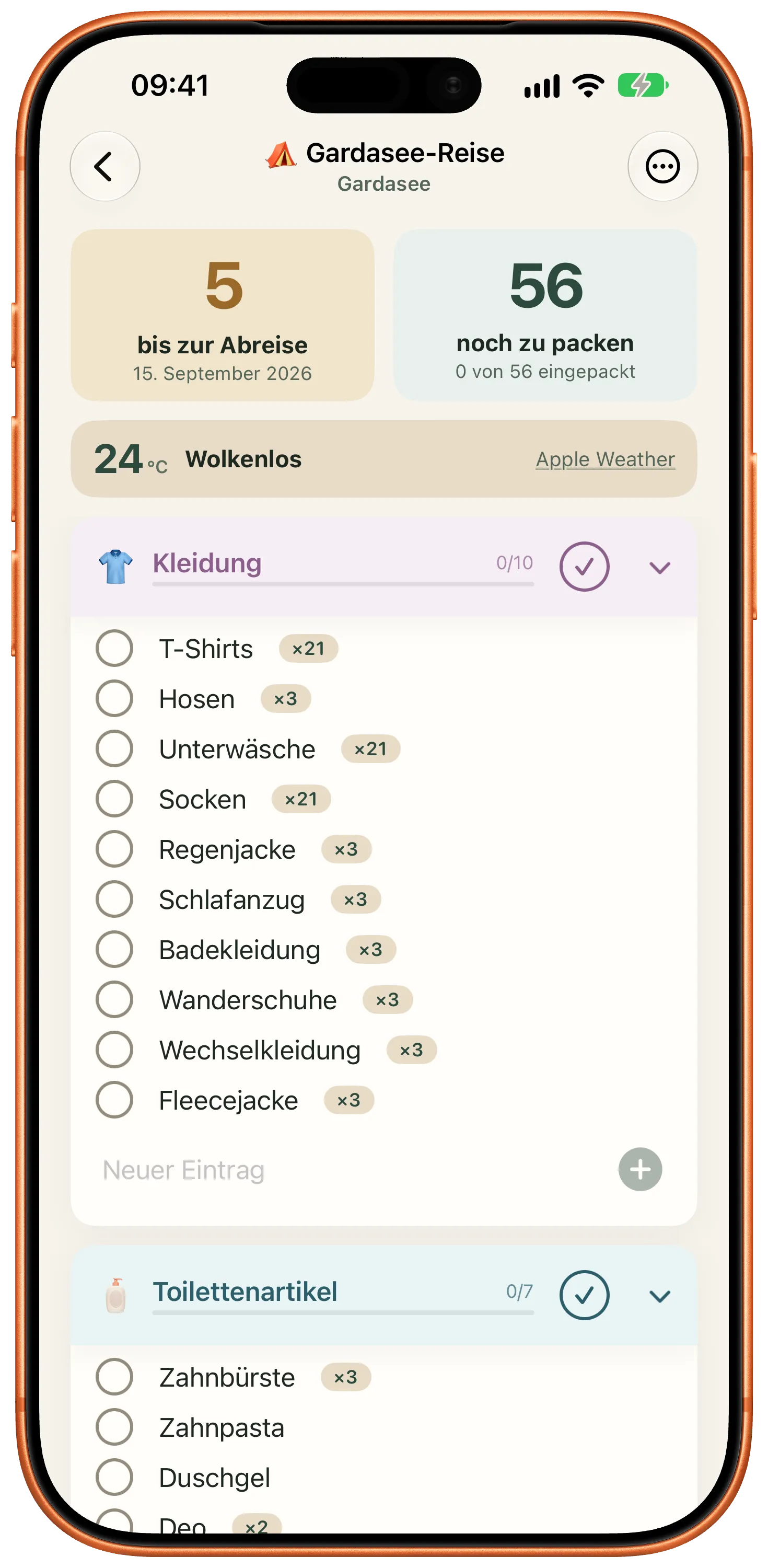
The full overview: how a trip turns into a list, what you can change about it, and where Packliste shows up outside the app.
The guided assistant asks about lodging, activities, dates, destination and travel companions. Out of that come categories, items and quantities that follow the number of people and nights.
On compatible devices running iOS 27 you can describe the trip in a single sentence instead, typed or spoken. The transcription and the evaluation both run on the device. If the model is unavailable, the guided route stays.
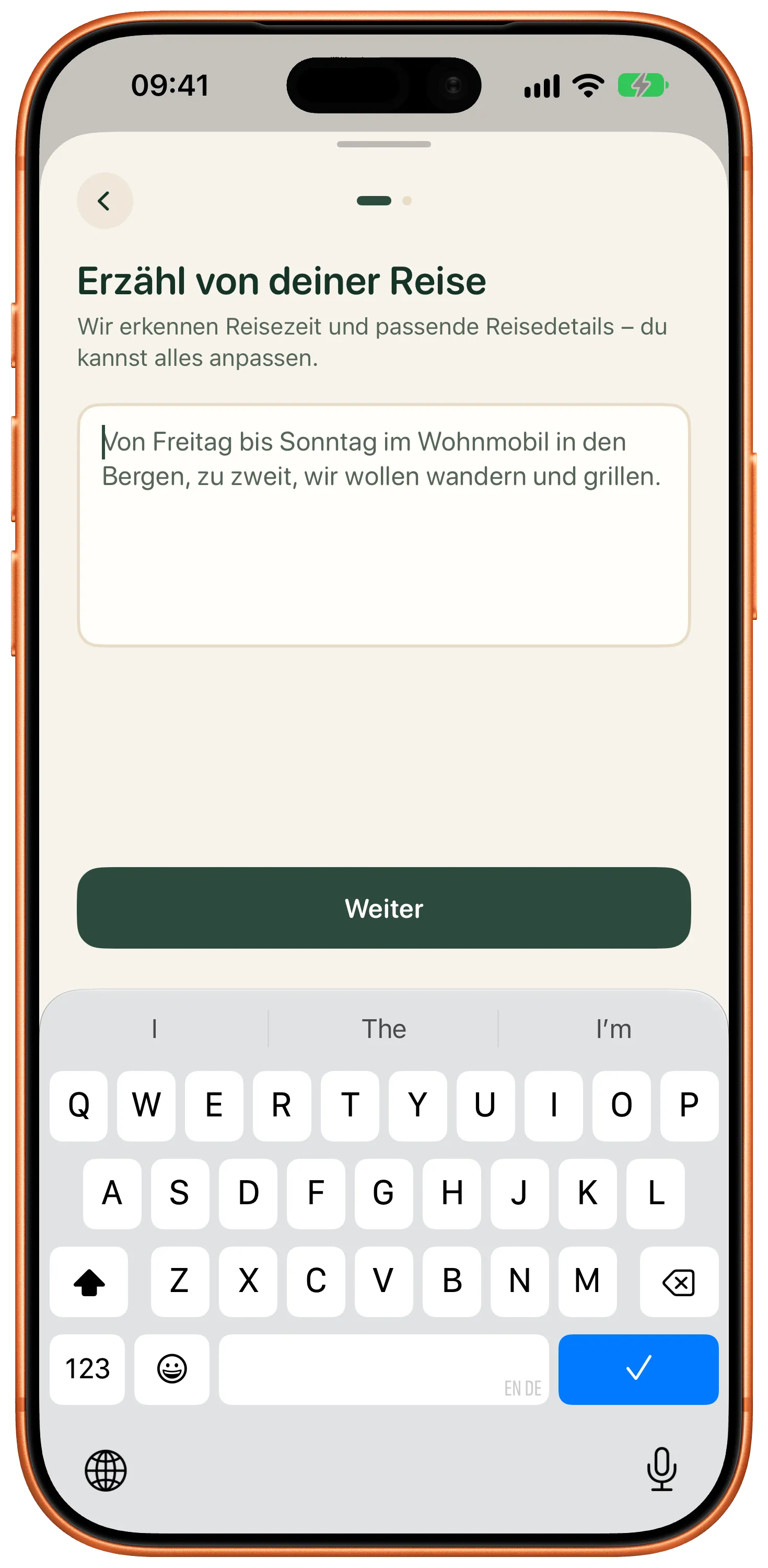
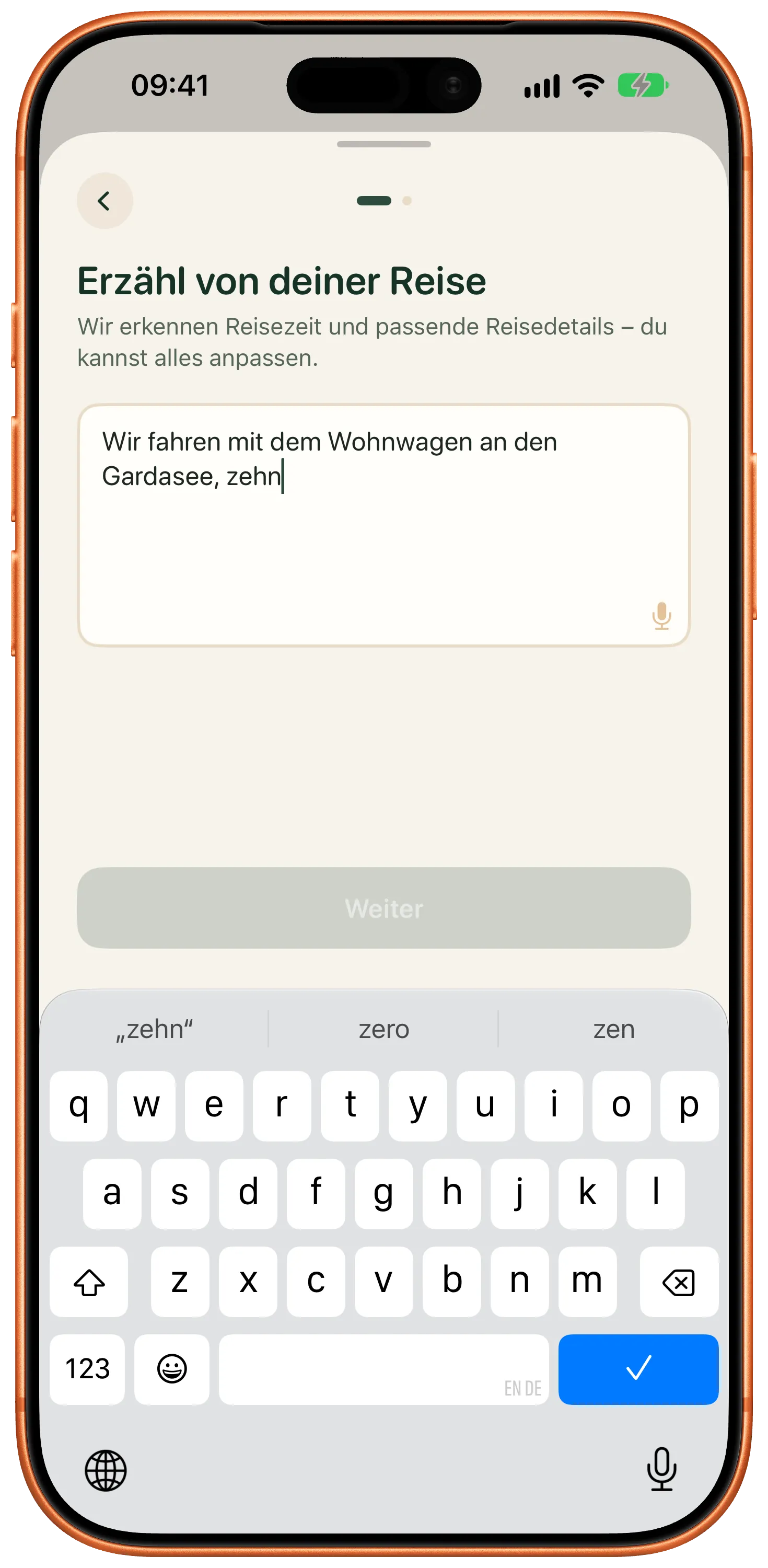
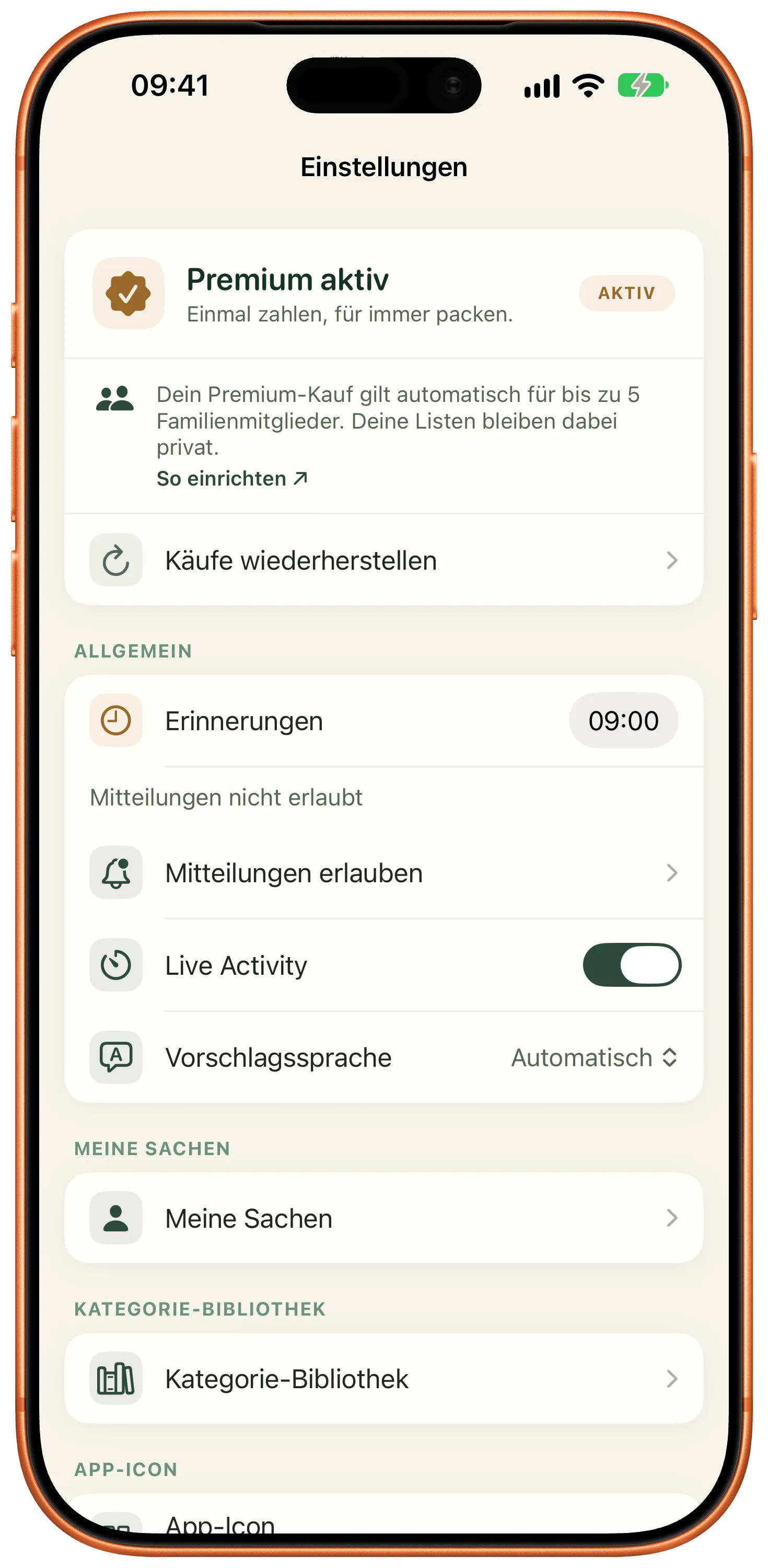
As you type, Packliste suggests from more than 200 prepared items in 24 categories, in German as well as English. You choose which language the suggestions come in.
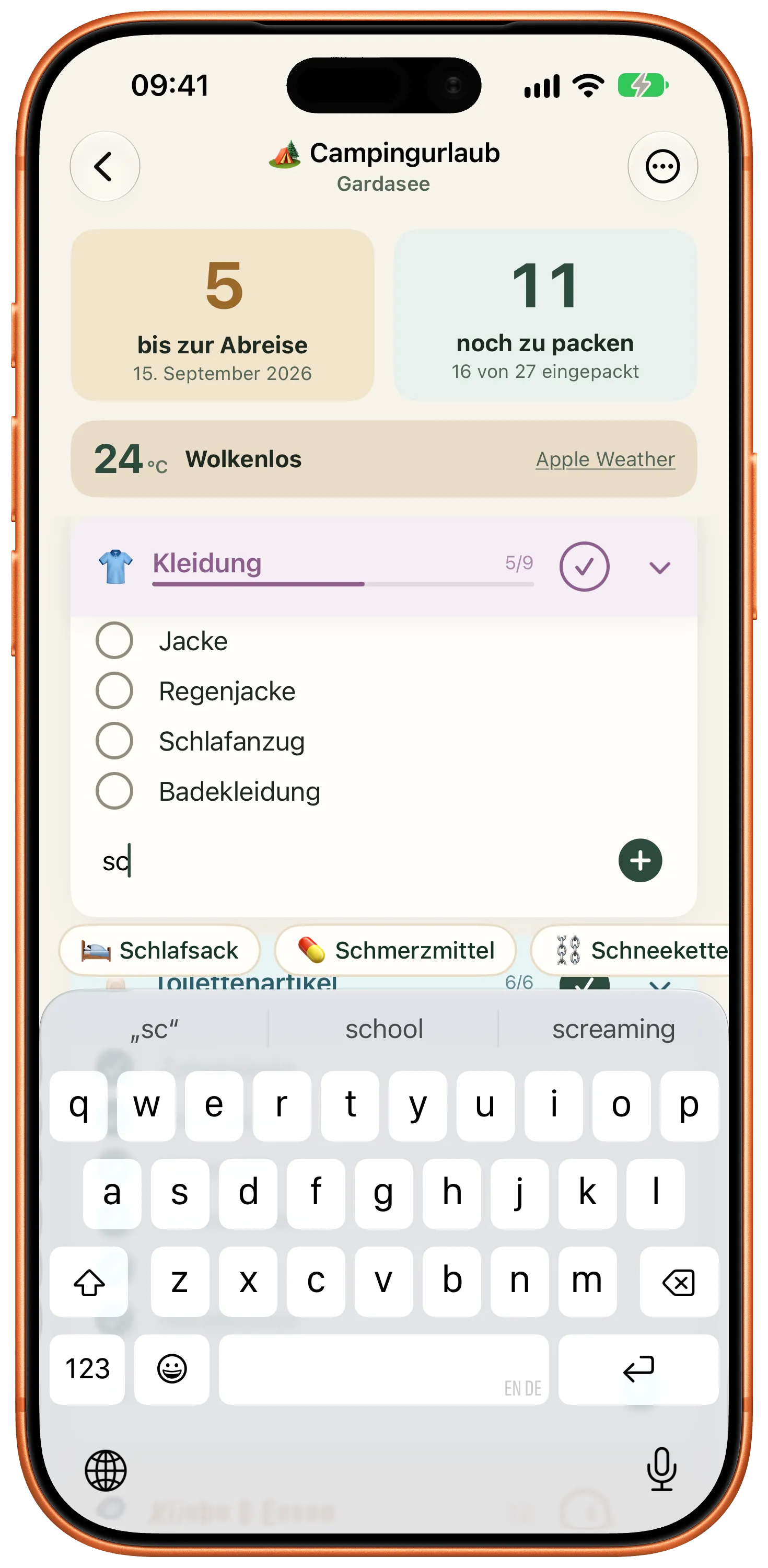
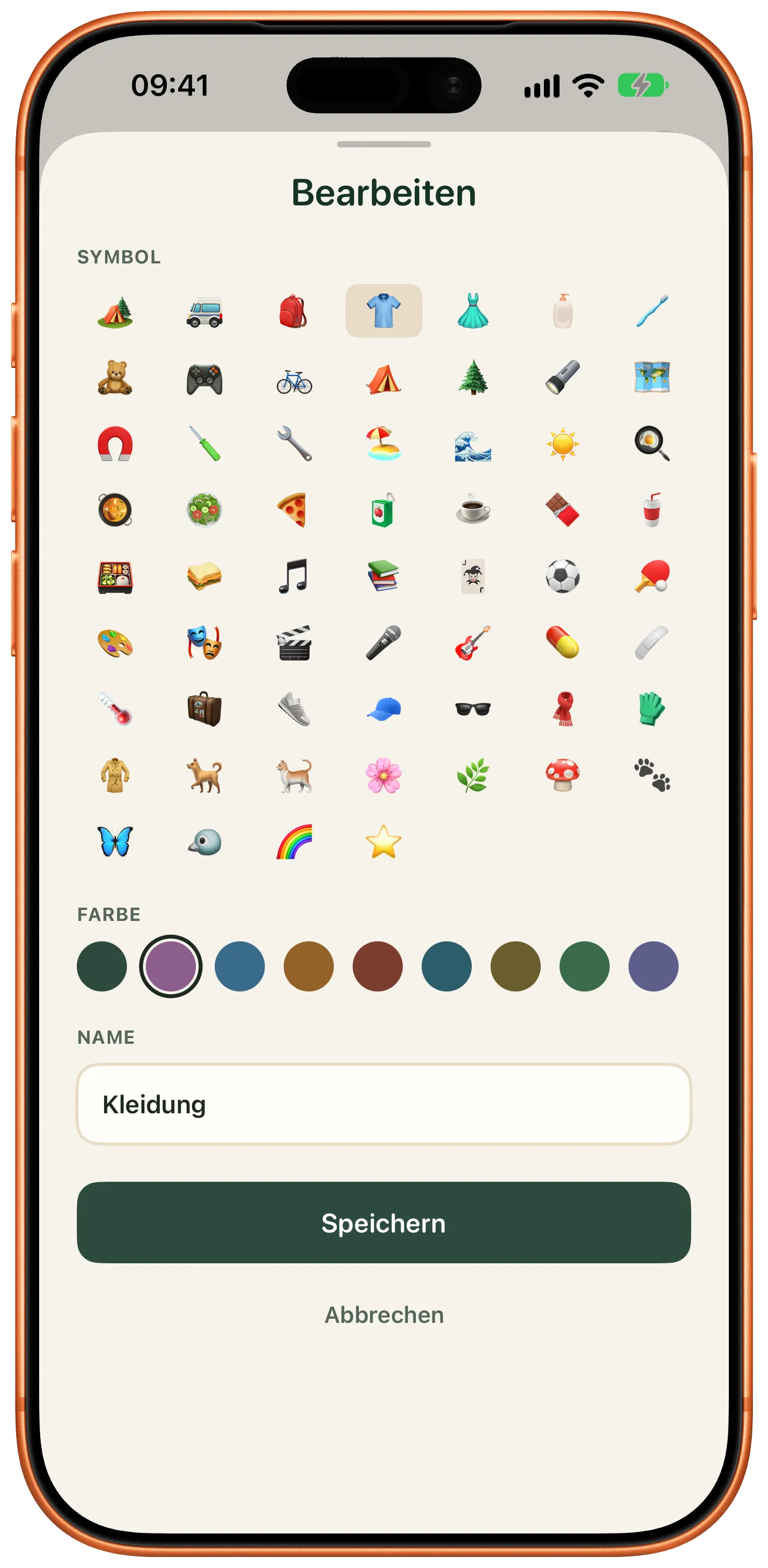
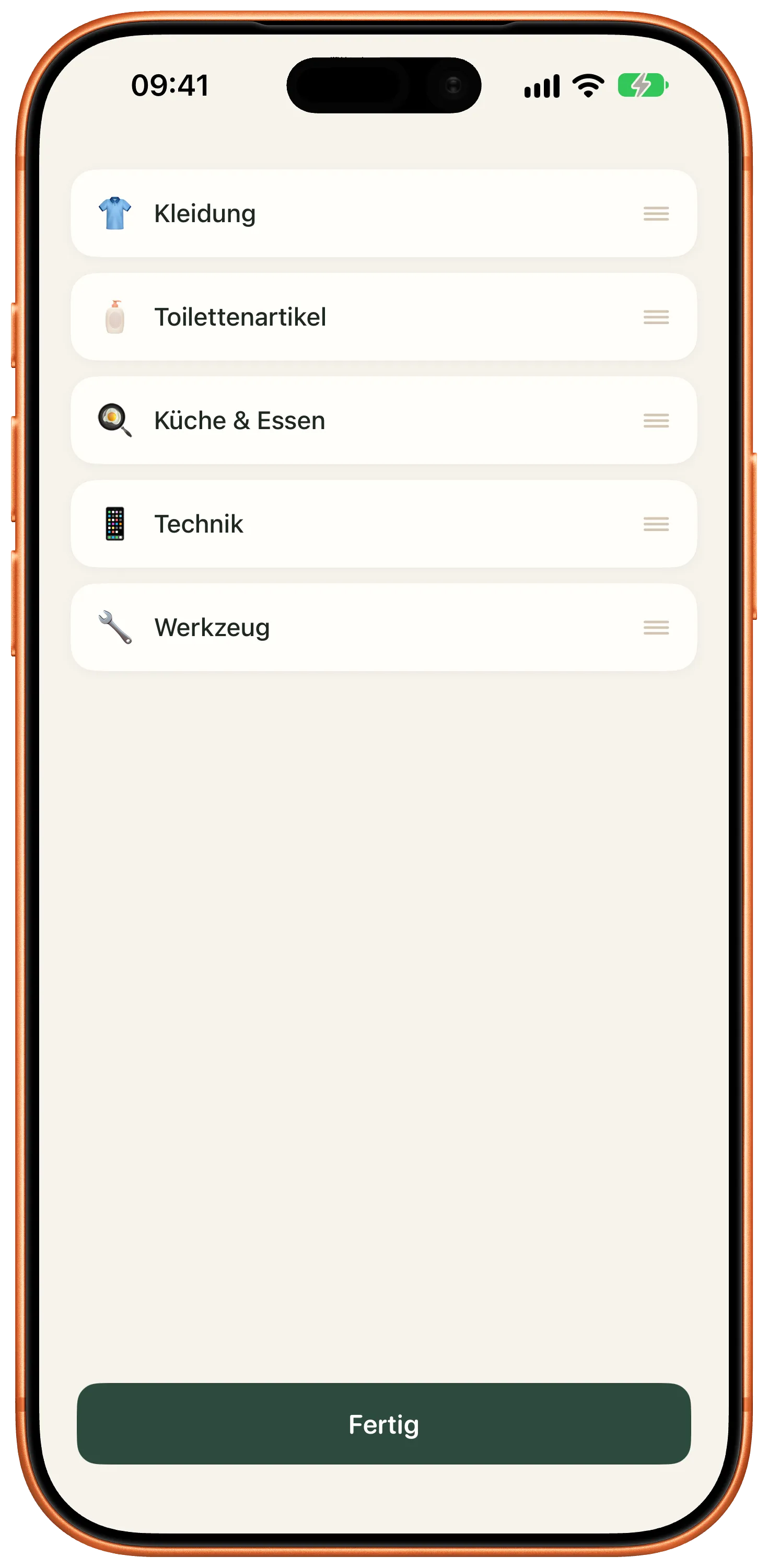
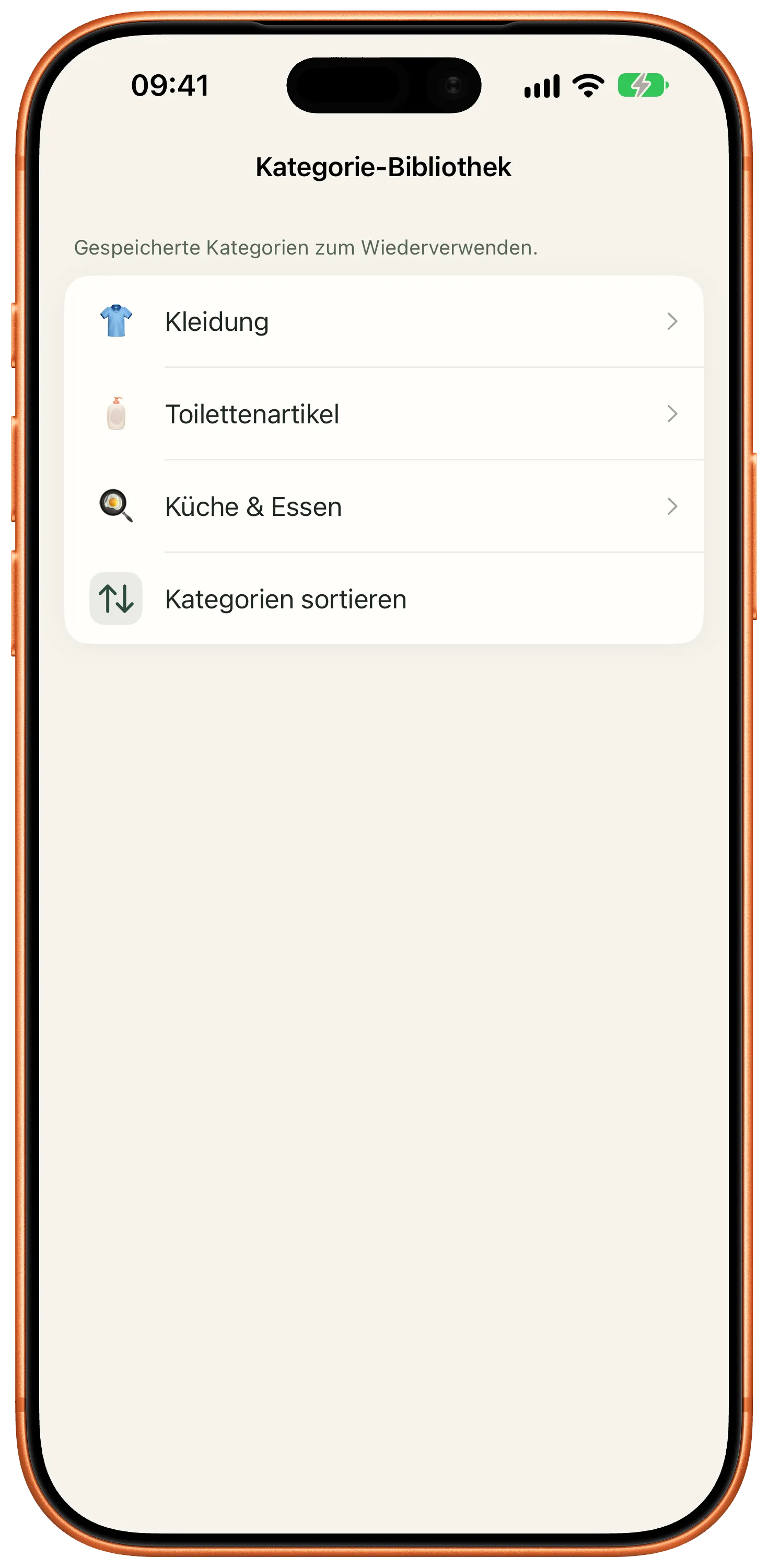
Categories get an emoji and a color. You collapse them, check them off in one go, reorder them and copy them into another list.
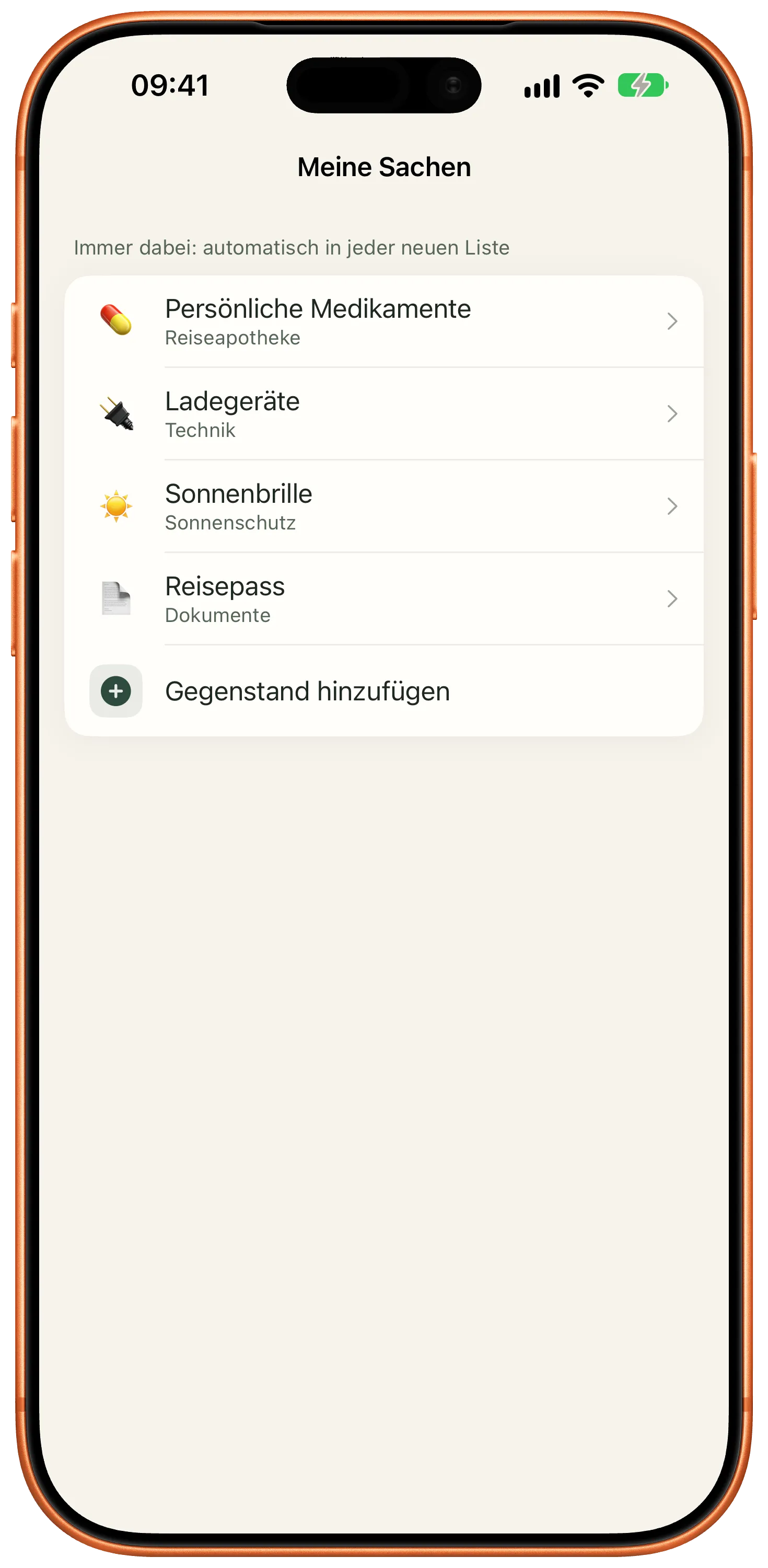
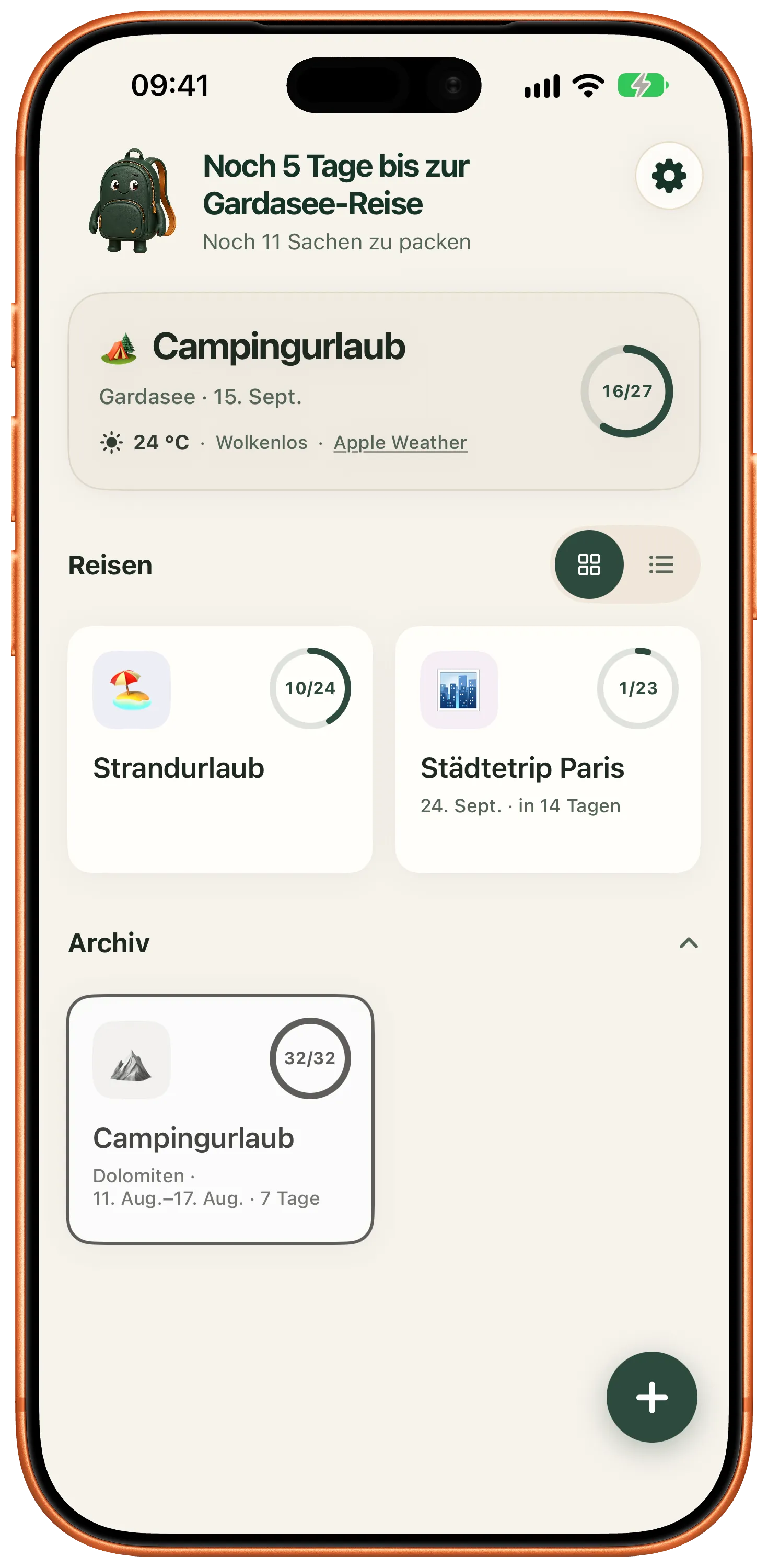
Whatever always travels along sits under “My Items” and lands in every new list. Categories that have proven themselves go into the library. Finished trips move to the archive instead of being deleted.
Share a list through iCloud. Everyone involved sees the same state and checks items off themselves. Invited people do not need Premium.
Apple Family Sharing shares the purchase, not the list. A list is only used together once you share it explicitly.
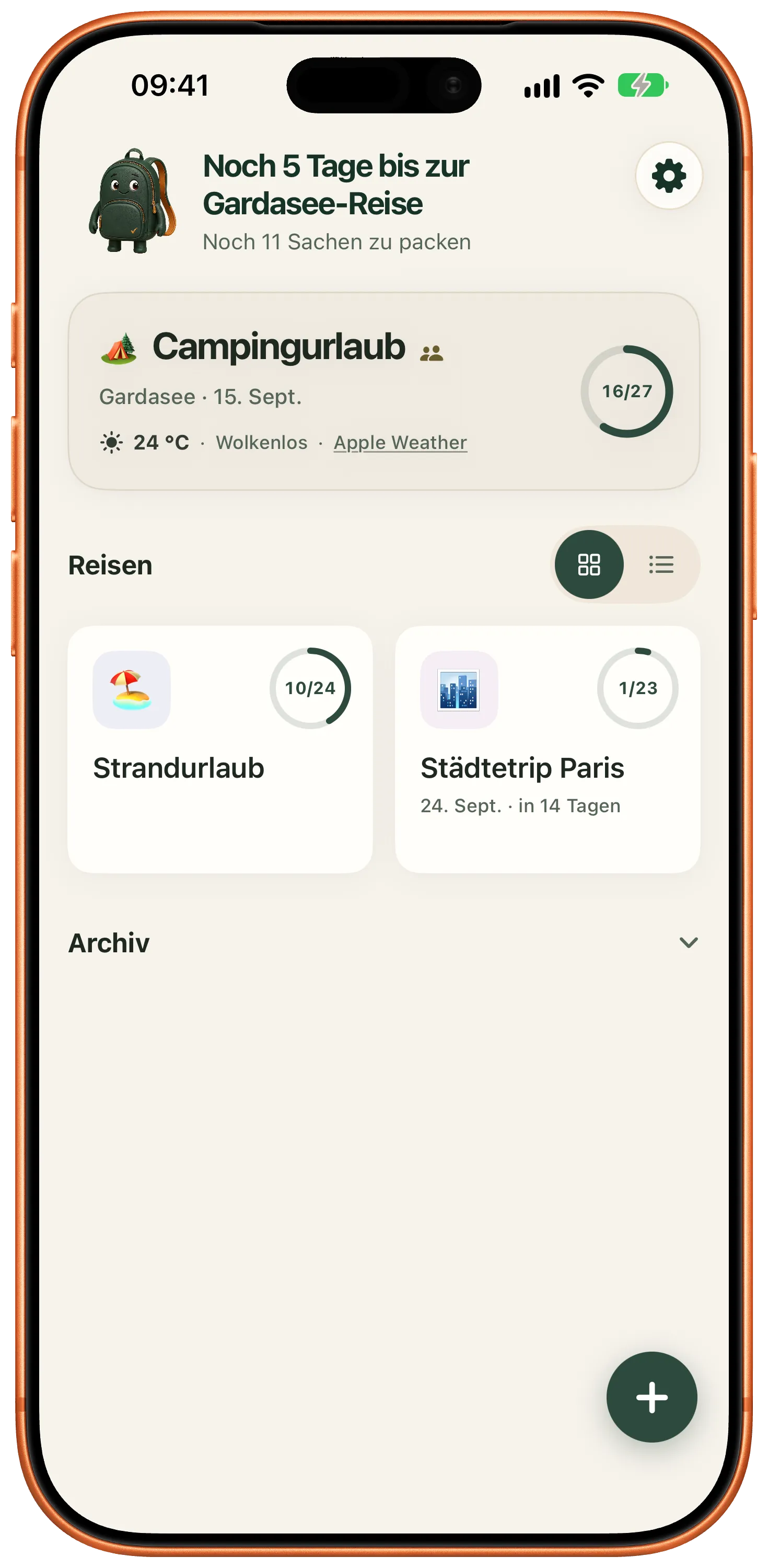
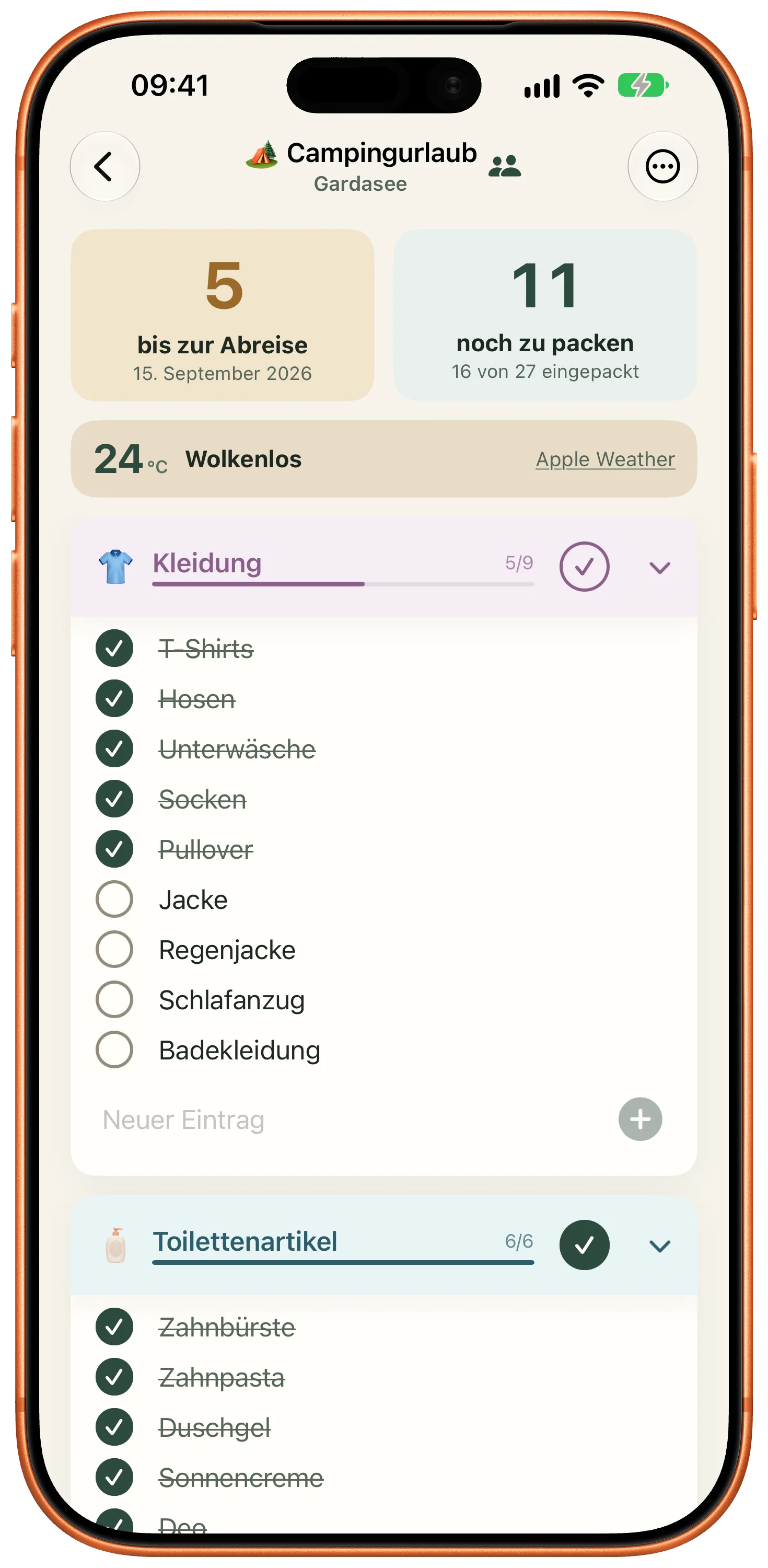
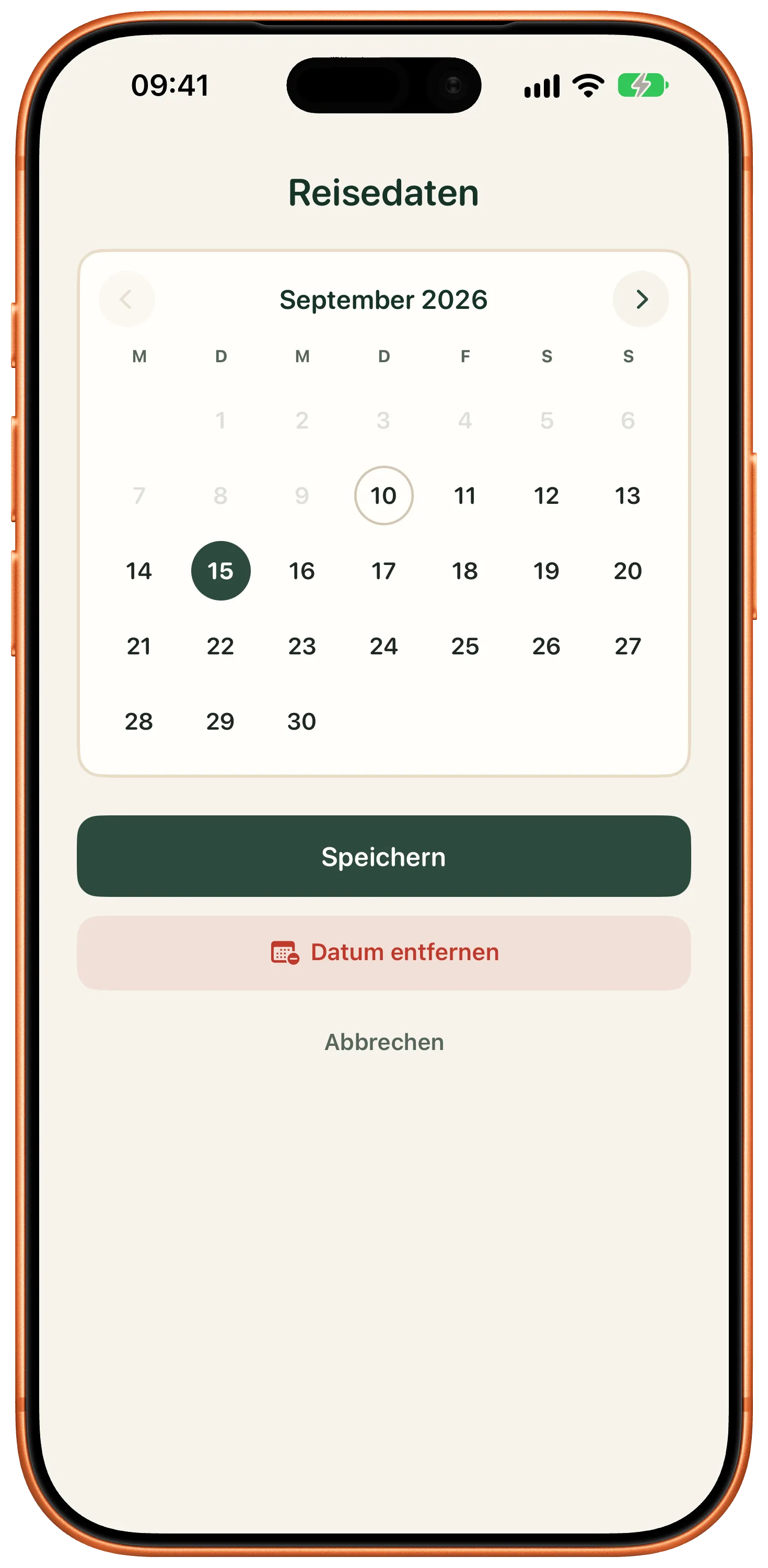
The assistant stores your departure date, and that stays even without Premium. With Premium you see the countdown and can change the date afterwards from the list menu.
Reminders arrive seven, three and one day ahead, at a time you choose; on short notice the dates that have already passed are dropped. Shortly before departure the weather at your destination joins in.
Widgets sit on the Home Screen and on the Lock Screen. On the evening before you leave, the Live Activity starts and shows the state on the Lock Screen and in the Dynamic Island, and in the Smart Stack on a paired Apple Watch.
Control Center opens the next list with one tap. Through Siri and Shortcuts you ask for the packing status, add entries or check something off. The finished list leaves the app as a PDF.
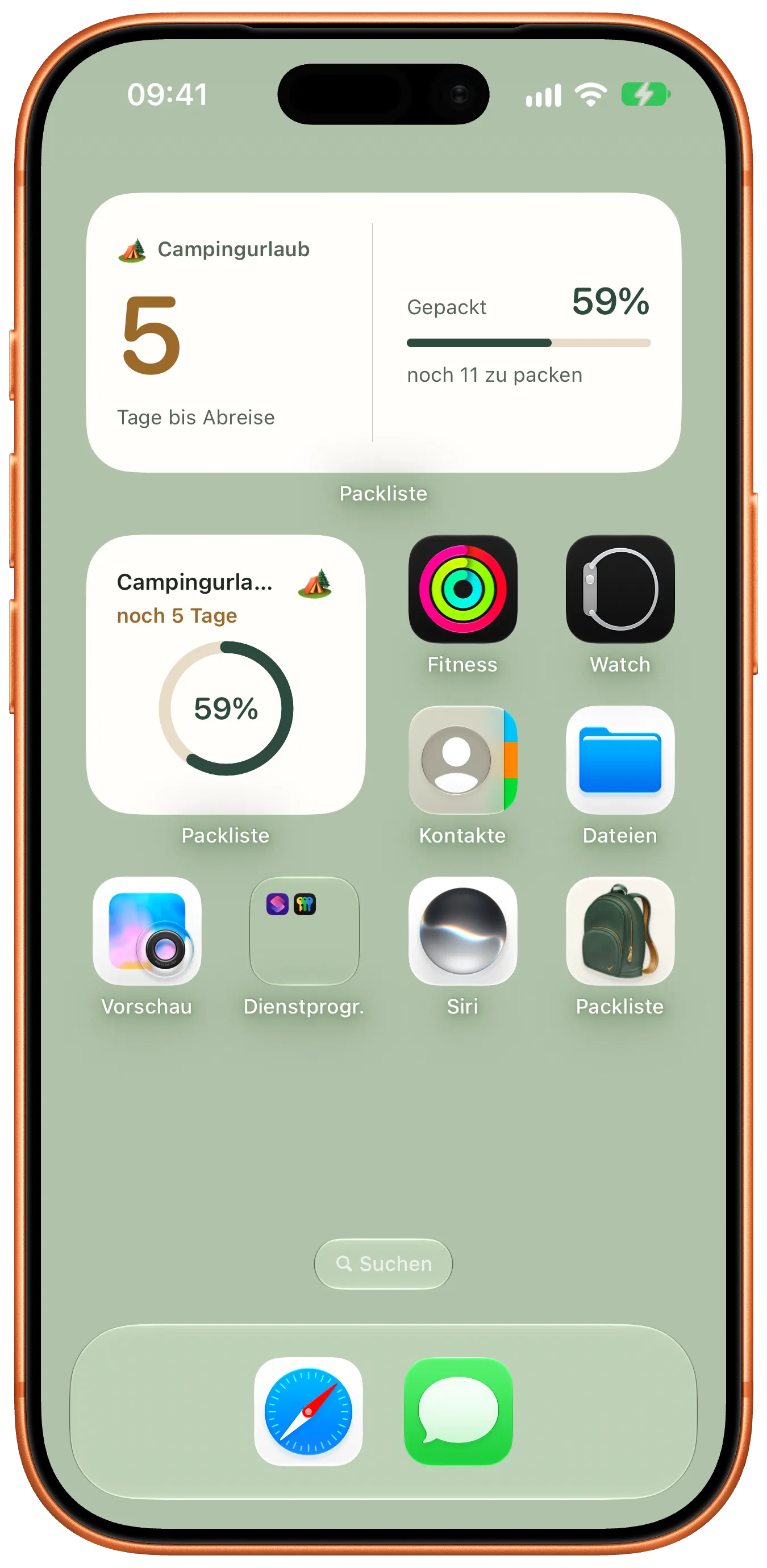
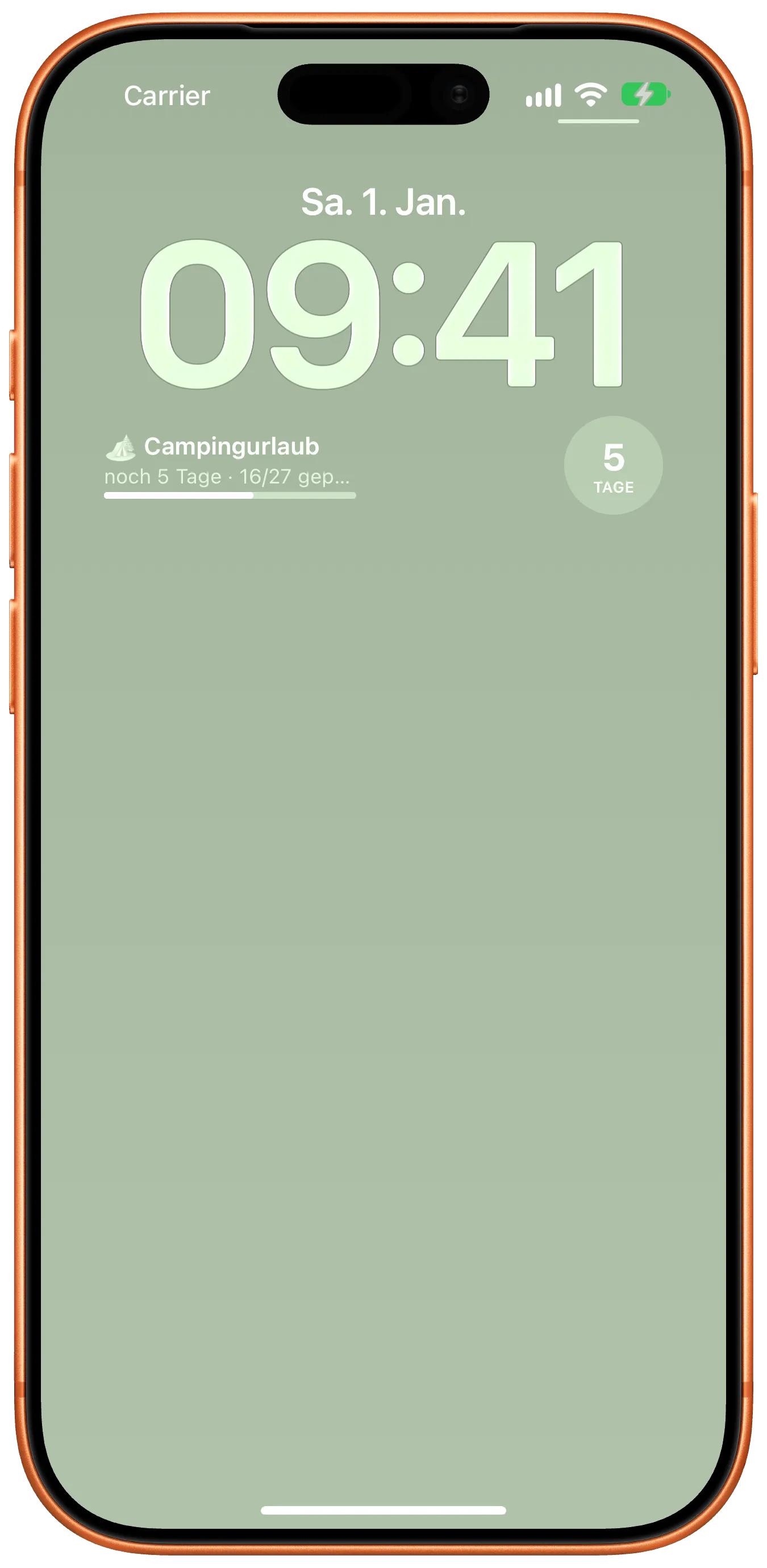
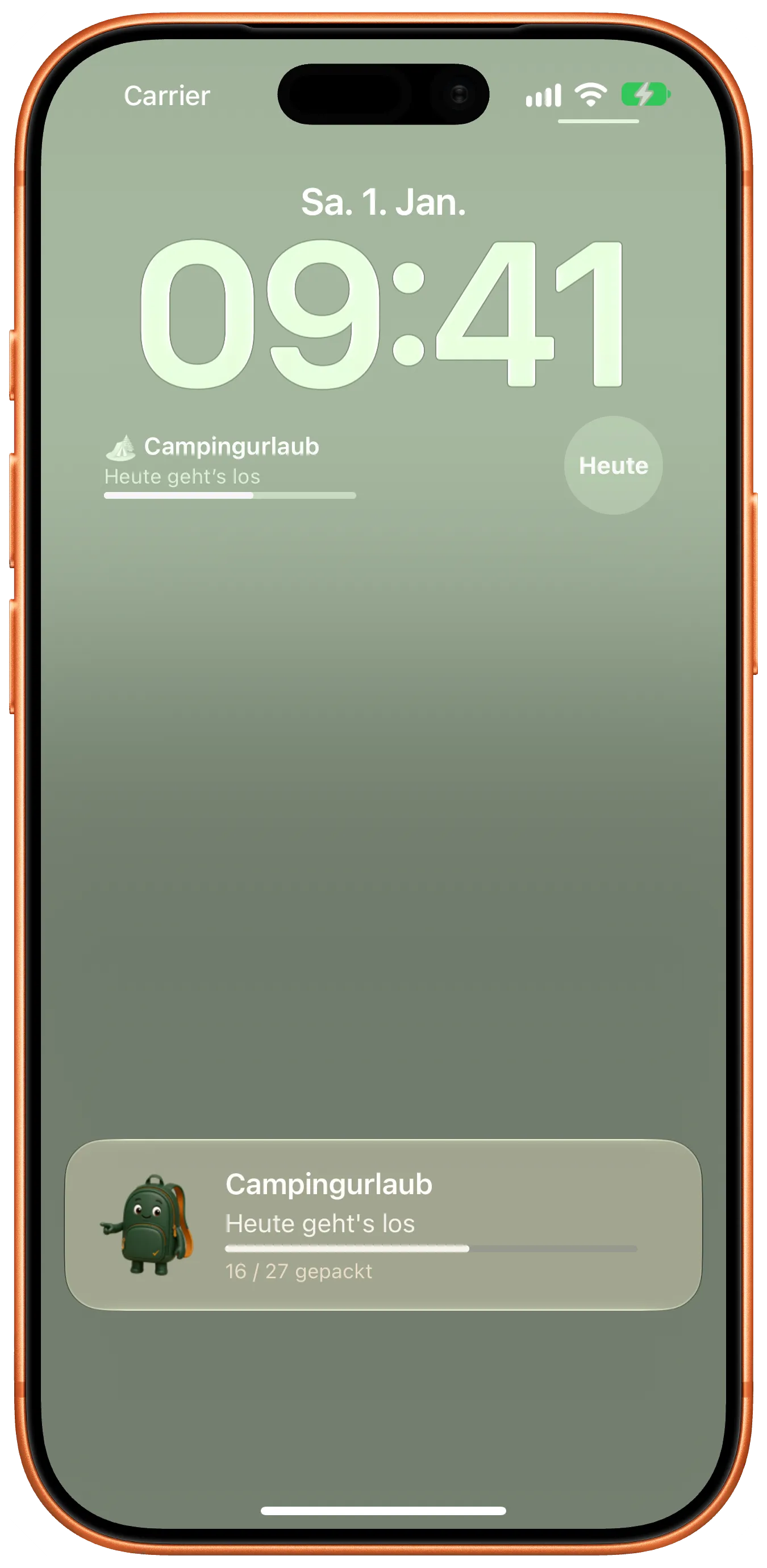

Setting the departure date afterwards from the list menu, the countdown, reminders, weather, PDF, widgets and Live Activity belong to Premium. Shortcuts and Control Center are there for everyone.
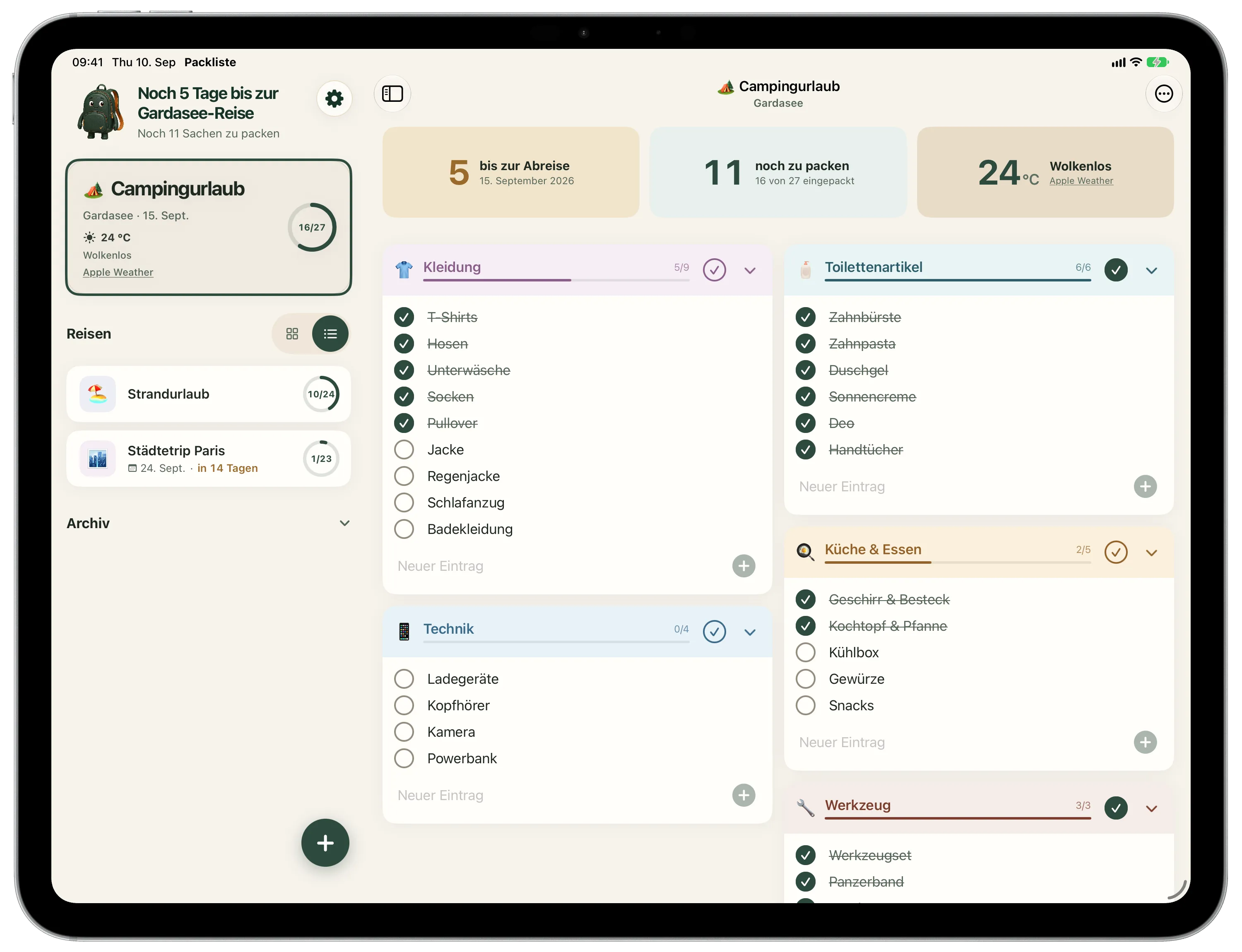
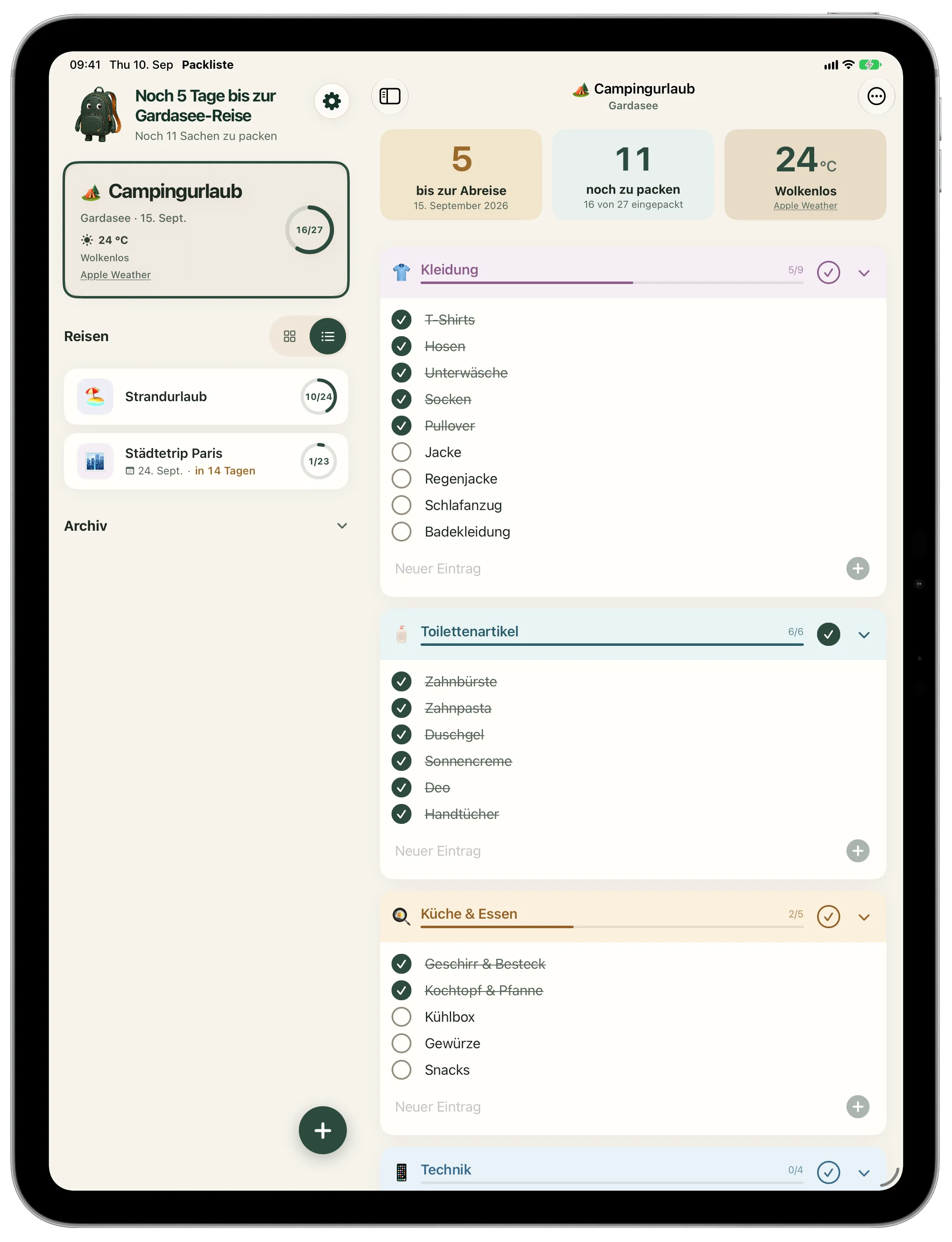
The sidebar and the list stand side by side. Categories sit in one, two or three columns, depending on what you set. Portrait and landscape are both supported.
On the same iCloud account, iPhone and iPad show the same state.
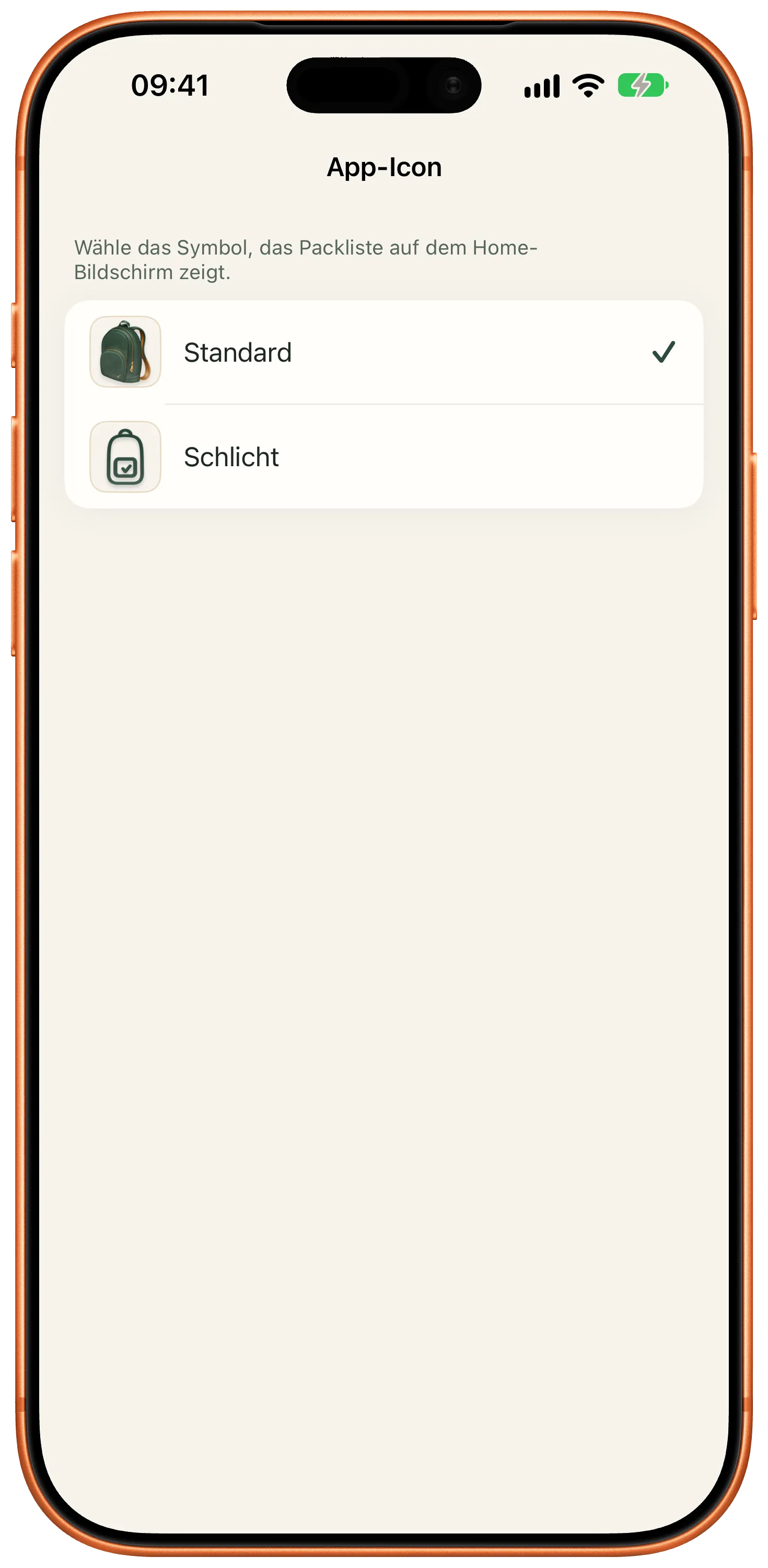
There are two app icons to choose from. The controls are labeled for VoiceOver, and anyone who has reduced motion gets calmer transitions. With version 4.2, I improved large-text and keyboard use.
Your lists sit on your device and in your iCloud account. Packliste shows no advertising and does not follow you across other apps. Usage data that is not tied to your identity can be switched off in the settings.
What Premium costs and what stays free is on the home page. Everything else goes to support.
Download the app for free